本文最后更新于398 天前,其中的信息可能已经过时,如有错误请发送邮件到1986413837@qq.com
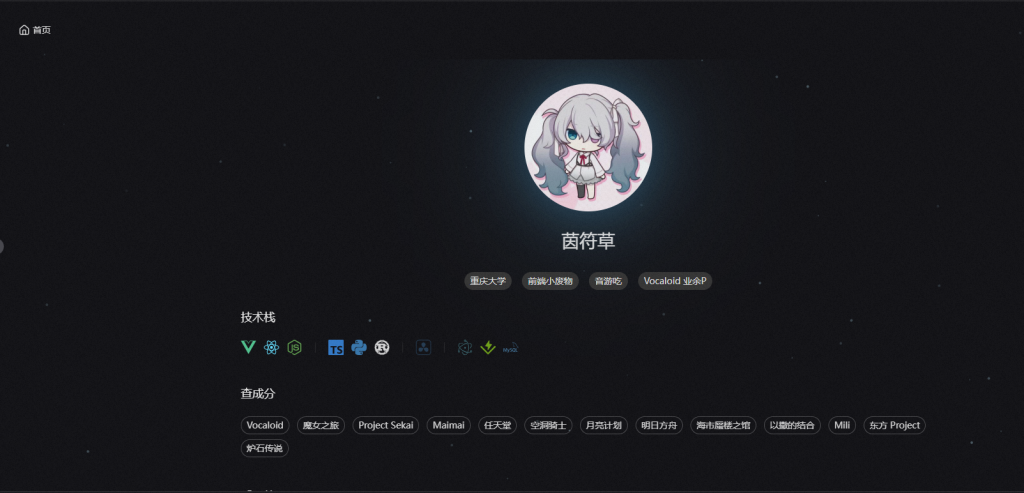
这位大佬的个人博客背景页有淡点点效果 还会跟随鼠标进行变动 很好奇是怎么做的 追踪元素后发现是<Canvas></Canvas>标签 早有听闻Canvas 所以去简单了解一下
Canvas介绍
Canvas(画布) 是 HTML5 提供的一个 图形绘制 API,允许开发者通过 JavaScript 在网页上动态渲染 2D 或 3D 图形 它就像一个空白的画板,你可以用代码在上面绘制各种图形、动画、游戏画面,甚至进行图像处理
Canvas核心特点
| 特点 | 说明 |
|---|---|
| 基于像素 | 直接操作像素点,适合高性能图形渲染 |
| 无 DOM 结构 | 绘制的图形不会生成 HTML 元素,性能更高 |
| 即时渲染 | 每次绘制后,内容不会自动保存,需要手动更新 |
| 支持 2D & 3D | getContext("2d") 用于 2D 绘图,getContext("webgl") 用于 3D |
具体怎么使用先不深究 通过一个流星雨特效先感受一下Canvas的魅力
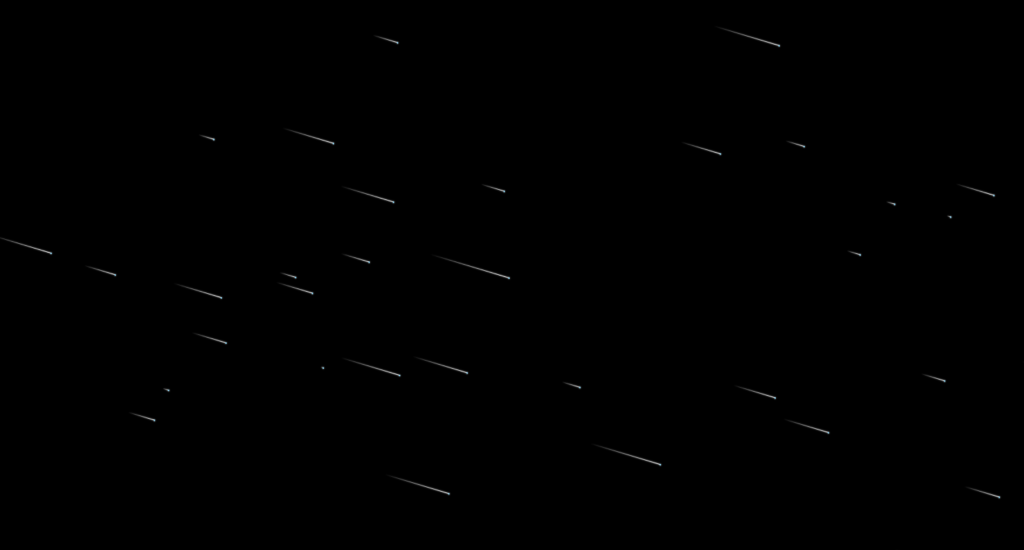
代码如下
<!DOCTYPE html>


<html lang="zh">

<head>
    <meta charset="UTF-8">
    <meta
        http-equiv="X-UA-Compatible"
        content="IE=edge"
    >
    <meta
        name="viewport"
        content="width=device-width, initial-scale=1.0"
    >
    <style>
        /*基础css*/
        * {
            margin: 0;
            padding: 0;
        }

        body {
            background: #333;
            overflow: hidden;
        }

        .main {
            /*class main样式*/
            width: 100%;
            height: 100vh;
            position: fixed;
            /* background: url("https://duckduckstudio.github.io/yazicbs.github.io/GenshinImpact/photos/original/20230706070439.png"); */
            background: #000;
            background-size: cover;
            background-position: center bottom;
        }

        #canvas {
            filter: drop-shadow(0 0 1px white);
        }
    </style>
    <title>陪你去看流星雨</title>
</head>

<body>
    <div class="main">
        <canvas id="canvas"></canvas>
    </div>
    <script>
        // 获取画布元素和上下文
        let canvas = document.querySelector("#canvas");
        let ctx = canvas.getContext("2d");

        // 设置画布大小为窗口大小
        canvas.width = window.innerWidth;
        canvas.height = window.innerHeight;

        // 存储所有流星的数组
        let meteors = [];
        // 流星的数量
        let allstar = 40;

        // 初始化函数,生成指定数量的流星
        function init() {
            for (let i = 0; i < allstar; i++) {
                newmeteor(); // 创建新的流星对象并添加到数组中
            }
        }

        // 创建新的流星对象并添加到数组中
        function newmeteor() {
            meteors.push({
                // 流星的尾巴位置
                lines: [{
                    x: parseInt(Math.random() * canvas.width),
                    y: parseInt(Math.random() * canvas.height),
                }],
                // 流星的存在时间
                life: parseInt(Math.random() * 200) + 100,
                // 流星的年龄
                age: 0
            });
        }

        // 绘制函数,用于绘制所有的流星
        function draw() {
            // 清除画布
            ctx.clearRect(0, 0, canvas.width, canvas.height);

            // 遍历绘制每个流星
            for (let i = 0; i < meteors.length; i++) {
                let meteor = meteors[i];
                let lines = meteor.lines;

                // 绘制流星的尾巴
                for (let j = 0; j < lines.length; j++) {
                    ctx.fillStyle = `rgba(255,255,255,${j / lines.length})`;
                    ctx.fillRect(lines[j].x, lines[j].y, 1, 1);
                }

                // 绘制流星的头部
                ctx.fillStyle = '#8cdcfe';
                let s_head = lines[lines.length - 1];
                ctx.fillRect(s_head.x, s_head.y, 2, 2);

                // 更新流星的位置
                if (meteor.age <= meteor.life / 2) {
                    lines.push({
                        x: s_head.x + 1,
                        y: s_head.y + 0.3
                    });
                } else {
                    lines.shift();
                }

                // 增加流星的年龄,并在其寿命结束时移除并生成新的流星
                meteor.age++;
                if (meteor.age >= meteor.life) {
                    meteors.splice(i, 1);
                    newmeteor();
                }
            }
        }

        // 初始化并开始绘制

        init();
        setInterval(draw, 10); // 每毫秒重绘一次
    </script>
</body>

</html>